
Downloads
Building your own Voice Assistant?
Our interactive installer is the easiest way to set up OpenVoiceOS. Choose your device and voice options, prepare your system, and follow the installation live.
Launch InstallerNew to OVOS? Read our getting started guide.
Which device are you using?
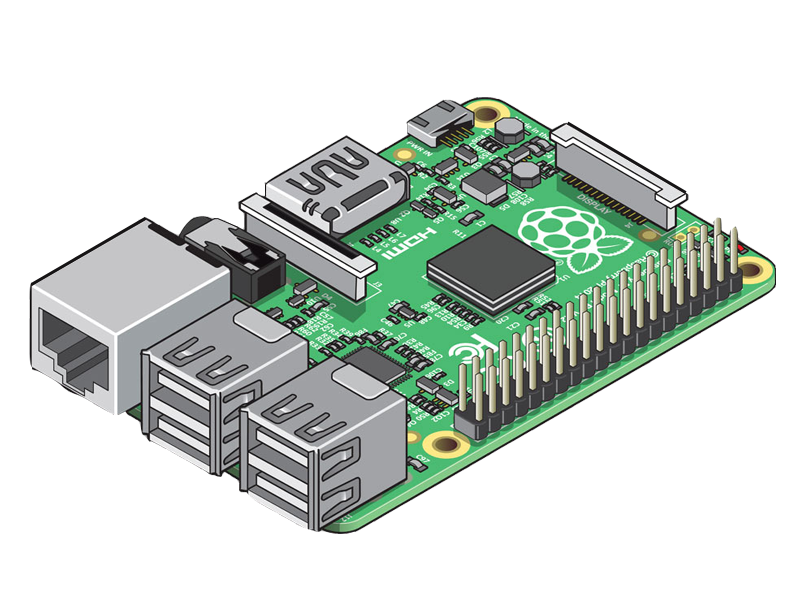
Note: If you want to install Open Voice OS on your Laptop/Desktop, consider using our installer script. It will install all the dependencies and set up the environment for you. It supports all major Linux distributions as well as Raspberry Pi 3, 4, and 5. More details here